1
Step 1: Click Download on this page
Tap the button below to begin the iOS installation process.

Install the official app on Android and iPhone. The application supports multiple languages and Kenya players can legally download the APK. All core features are inside: M-Pesa, Visa, MasterCard, Skrill, Neteller, Bitcoin, Ethereum, USDT, sports betting, and casino.
New users get a 200% Casino Welcome Bonus + 150 Free Spins, up to KES 20,000. Minimum deposit KES 500 to claim. Start today for full mobile access.
The official mobile app is available for Android and iOS. Install once, sign in, and manage sports bets, casino games, payments, and support in one place.
You get a lightweight, full-featured mobile experience built for quick installs and fast play.
| Year of development 2024 | Developer WinWin |
| Package name (APK file name) winwin_kenya.apk | APK size ~48 MB |
| Supported operating systems Android 6.0+; iOS 12+ | Cost Free |
| Category Sports betting, Casino | Countries available Kenya and selected regions |
| Languages supported English, Swahili | Currencies supported KES, USD |
| Available in Kenya Yes |
Downloading the APK on Android is quick, safe, and free. You follow four steps on this page to install the application in minutes. No extra software is required, and setup takes only a short time.
Tap Download on this page to fetch the APK.
Confirm the pop-up to proceed with saving the file.
Go to Settings > Apps > your browser, and allow installation from unknown sources.
Open Downloads, find winwin_kenya.apk, and tap Install to complete setup.
The Android app is free and built for fast betting and casino play wherever you are. You get full account control, instant deposits, and quick withdrawals. The steps above show exactly how to install.
Check your device meets these minimums before you start the WinWin APK download.
| Item | Minimum |
|---|---|
| Android version | 6.0 Marshmallow or higher |
| RAM | 2 GB |
| Free storage | 150 MB |
| Processor | 1.4 GHz quad‑core or better |
Meeting these specs helps you enjoy fast loading and stable gameplay.
The application runs smoothly on a wide range of Android devices common in Kenya.
If your model is similar in specs, you are good to go.
Getting the mobile app on iPhone and iPad is straightforward. Follow these five steps on this website only.
Tap the button below to begin the iOS installation process.
When iOS shows a confirmation, tap Install to continue.
The app icon will show on your home screen during installation.
Go to Settings > General > VPN & Device Management, and trust the developer.
Launch the application, allow notifications if desired, and log in or register.
The iOS app is free to download and mirrors the full website: sports betting, live odds, slots, tables, payments, and support. It works on iPhone and iPad, needs iOS 12 or later, and around 150 MB of free storage. You get reliable performance on modern devices at low resource usage.
Ensure your Apple device meets these minimums before you start the WinWin iOS download.
| Item | Minimum |
|---|---|
| iOS version | iOS 12 or later |
| RAM | 2 GB |
| Free storage | 150 MB |
| Processor | A10 Fusion or newer |
Meeting these requirements helps the application run fast and smooth.
The application runs well on recent generations of Apple devices.
If your device is in this range, you can install and play.
The comparison below shows key improvements so you can decide when to update.
| New Version | Old Version |
|---|---|
| Faster login and page loads | Slower navigation |
| Smaller APK size (~48 MB) | Larger APK size (~60+ MB) |
| Live streams added on top leagues | Limited streaming |
| Enhanced cash out and bet builder | Basic cash out |
| Biometric login (Face/Touch) | PIN only |
| Stronger encryption and stability | More crashes on older phones |
Updating ensures you benefit from speed, features, and security.
Signing up in the mobile application is simple and available to users 18+. Follow these steps inside the app.
After registration, you can deposit and start playing immediately.
Keeping the application updated improves speed and security.
Android:
iOS:
Updates deliver new features, stronger protection, and bug fixes.
New users can claim a welcome bonus in the mobile app. Choose Sports or Casino during registration and make the qualifying deposit.
Select your preferred bonus in the sign-up form, deposit the required amount, and the offer is credited to your account. Pick one path and start fast.
Follow these quick steps to bet on mobile:
After the event ends, withdraw winnings or keep playing. You stay in control from bet to cashout.
A mobile-optimised website is available for all smartphones and tablets. You can place bets and play casino games directly in your browser, no installation needed. The site mirrors key features, including payments, live odds, and account settings.
If storage is tight, the mobile website is a practical alternative.
The mobile site closely mirrors the application, but many players prefer installing the dedicated software for speed and reliability.
| Application | Site |
|---|---|
| Faster navigation and load times | Slightly slower on heavy pages |
| Push notifications for bets and results | No push alerts |
| Biometric login (Face/Touch) | Browser login only |
| More stable during live streams | Depends on browser stability |
| Uses storage space | No storage required |
| In-app odds updates in real time | Refresh may be needed |
The mobile app is optimised for convenience, speed, stability, and a user-friendly layout. If you bet often, installation pays off.
You can bet in LIVE and LINE modes and use Single, Accumulator, and System bets. Every official sport and eSport has a dedicated page, complete with team stats and head-to-head. Many events include live match trackers and streams so you can react quickly.
You get extensive coverage from local leagues to global tournaments.
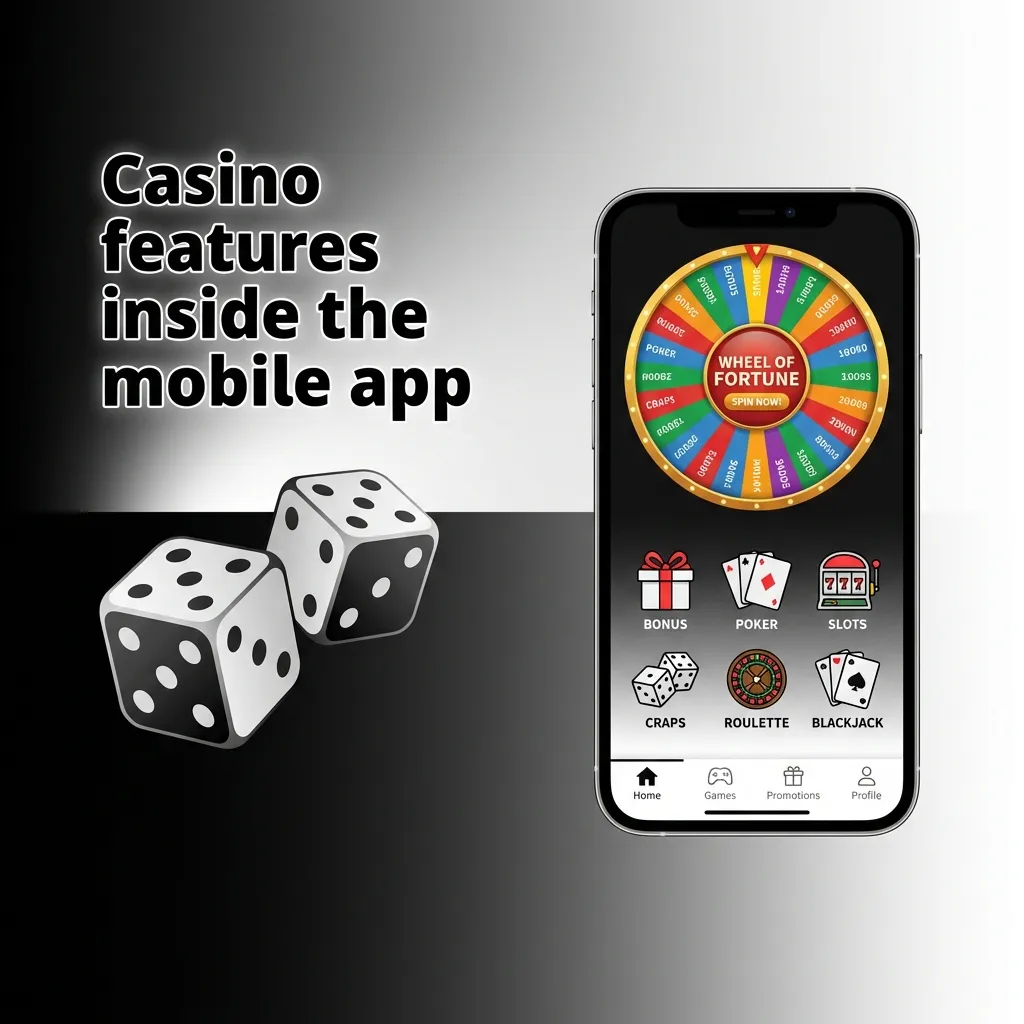
Popular live tables appear on the home screen, and you can switch from sports to casino in one tap. Play thousands of slots and tables from Pragmatic Play, NetEnt, and Play’n GO, including Book of Dead and Sweet Bonanza. A live casino powered by top studios brings real dealers to your screen.
Check the Promotions tab for free spins, reloads, and tournaments tailored for mobile play.
Users in Kenya can pay inside the application using trusted options. Deposits are instant once confirmed, and most withdrawals complete in minutes. Minimum deposit is KES 100. Minimum withdrawal is KES 200.
Choose the method that suits you and manage funds directly in the app.
The application operates under a valid gambling licence and follows recognised industry rules. SSL certificates and strong encryption protect logins, payments, and personal data. Security checks run during updates to maintain a regulated environment for betting and gaming.
You can install and play knowing your account is protected by modern standards.
Yes. The application serves Kenya residents and operates under a gambling licence. You must be 18+ to use betting and casino services.
Standard browsing is light on data. Live streams use more; use Wi‑Fi when possible to reduce mobile data usage.
Yes. You may be asked to verify identity and address. Upload clear documents in the Profile > Verification section to avoid payout delays.
Tap Forgot Password on the login screen, choose phone or email recovery, and follow the instructions to reset securely.
Yes. Go to Settings inside the application and toggle notifications by category, or disable alerts in your phone’s system settings.
Updated: