1
Download and install the app
Download the app from this official site and install it on your Android or iOS device.

Use the website or the mobile app to sign in using your email or mobile number and password. For the WinWin official website login, tap Login on the top bar; your data stays protected and two‑factor authentication is available on supported accounts. Once in, access sports betting, casino games, your bonuses, and all transactions.
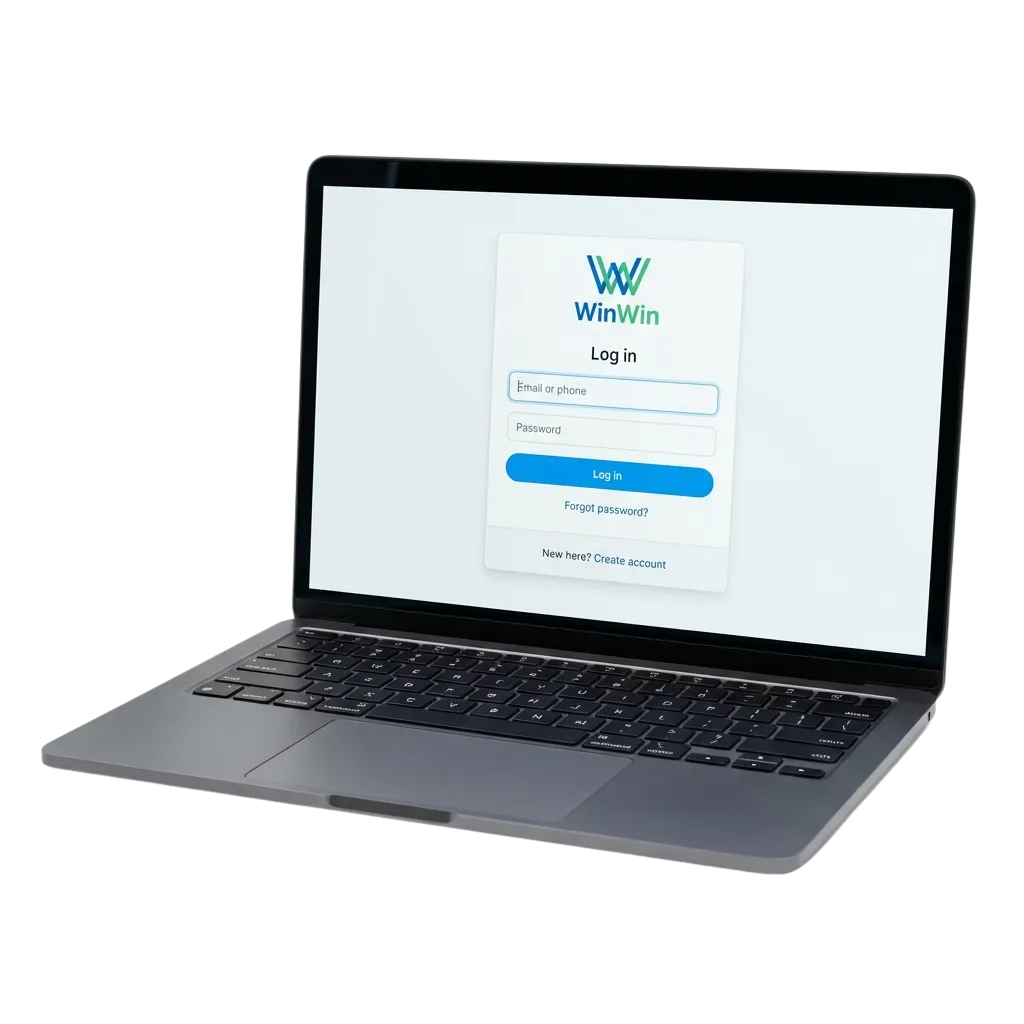
You have several ways to access your account on this site and the app. Pick what suits your device and network.
Email + password, Mobile number + password, Username + password (if set), App login using saved credentials or biometrics, Two‑factor authentication for extra verification (when enabled)
The mobile app offers quicker entry than the website and supports biometrics on compatible phones. Your session can stay signed in based on your settings.
Download the app from this official site and install it on your Android or iOS device.
Open the app and tap “Login” on the home screen.
Enter your email or mobile number and password; or use saved biometrics (fingerprint/Face ID) if enabled.
If two‑factor authentication is on, enter the OTP sent to your chosen channel.
If your device does not support the app, add this site to your home screen to use the PWA and sign in there.
Here are frequent issues users in Kenya face during sign in and the practical fixes.
| Problem | Solution |
|---|---|
| Wrong password or email/mobile number | Use “Forgot Password” to reset. Check caps lock. Try the contact used during registration. |
| OTP not received | Confirm the number or email is correct. Check spam. Request a new code after 30 seconds. Ensure network coverage. |
| Account locked after many attempts | Wait 15 minutes, then try again. Reset the password if needed. If access still fails, reach Support in the Help section. |
| KYC pending or limited access | Go to Profile > Verification and upload the required documents. Access improves once verification is approved. |
| Old app version or cache issue | Update the app from this site. Clear cache, restart your device, and try logging in again. |
You can reset your password online in minutes. OTP checks keep the process secure.
Click “Forgot Password” on the login page.
Enter your registered email or mobile number.
Choose where to receive the reset code (Email or SMS) in a single step.
Enter the code to verify your identity.
Create a new password and log in again.
Yes. For security, you may be asked for a fresh OTP. You can review active sessions in Security settings.
Go to Profile > Personal information, update the contact, and verify it using the code sent to you.
Yes on compatible devices. Enable biometrics in Settings after your first sign in.
Open Account > Security > Login history to review device, time, and location details.
Use Security > Logout from all devices to end every active session immediately.
Updated: