1
Click the button below
Press "Start using!" to begin the download from this official page.

The WinWin desktop application brings sports betting, live casino, slots, roulette, and table games to your computer in Kenya.
It is free to download for Windows and macOS, and mirrors the website while offering faster load times and a full-screen gaming view.
Use the app for steadier performance during live odds and long sessions.
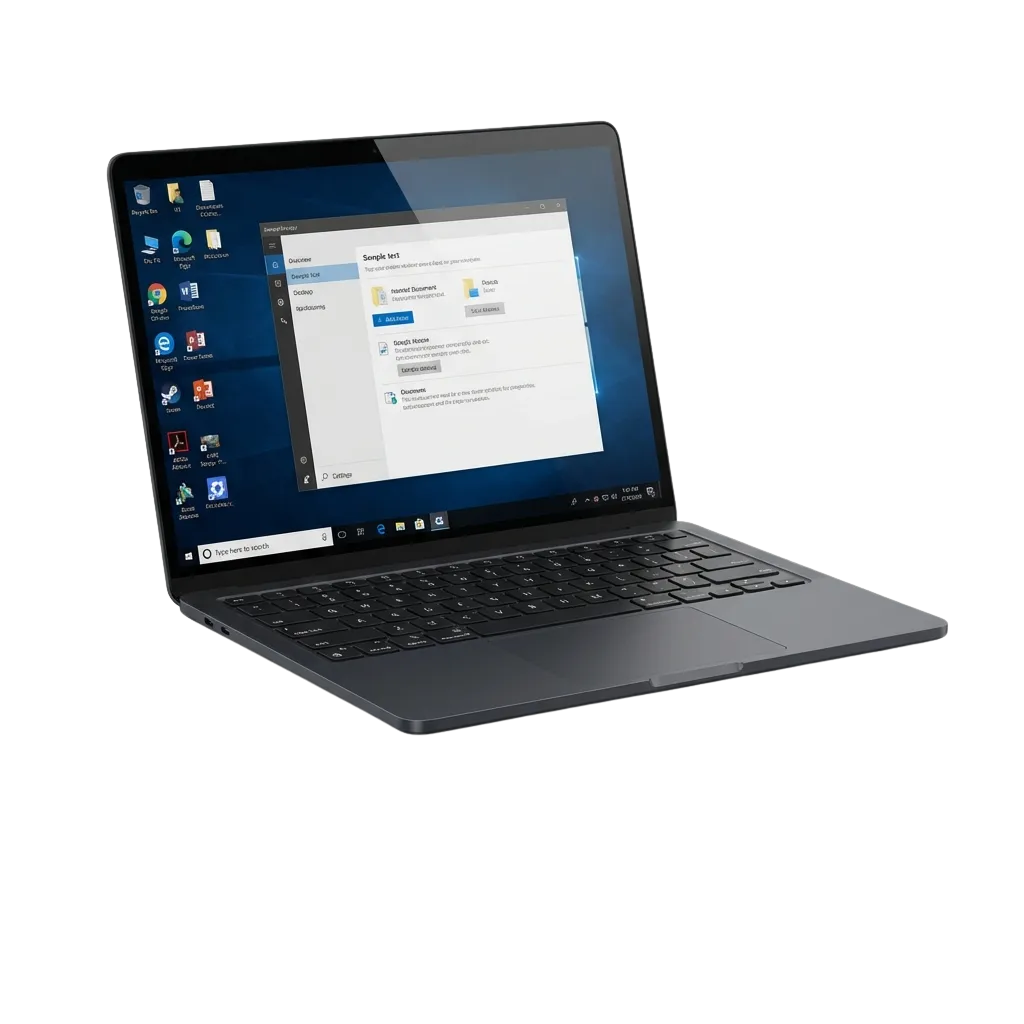
The WinWin PC client focuses on stable play and quick bet entry, advantages include faster launches, fewer lags, and multi-window control.
| PC Client Size Approx. 140 MB | Available Languages English, Swahili, Hindi, French |
| Category Sports betting; Live Casino; Slots; Roulette; Table Games; Virtual Sports | Compatible with Windows Windows 11, Windows 10, Windows 8.1 |
| Compatible with macOS macOS 14 Sonoma, macOS 13 Ventura, macOS 12 Monterey |
Thinking about installing the desktop client? Here is a quick look at the benefits and a few trade-offs.
| Pros | Cons |
|---|---|
| Faster load times than the website | Needs installation and disk space |
| Stable play during live betting and streams | Updates may require a restart |
| Full-screen UI and crisp graphics | macOS may ask for security approval on first run |
| Quick login via app PIN or saved device | |
| Multi-window layout for odds and tables | |
| Auto-updates from inside the app | |
| Lower data spikes during in-play events |
This is the WinWin app for Windows and supports Windows 10 and Windows 11. Basic needs: 4 GB RAM, dual-core CPU, about 1 GB free space, and a stable connection.
Press "Start using!" to begin the download from this official page.
Store the .exe file in a folder you can find easily.
Double-click the file to start the setup process.
Approve the Windows security prompt when asked.
Select the install folder and accept the terms.
Click Install, then Finish to complete installation.
Open the desktop icon, then sign in or register from inside the app.
The Mac build supports Intel and Apple Silicon devices on recent macOS versions. It is light and quick to set up.
Press "Start using!" to download the .dmg from this page.
Double-click the .dmg to view the app.
Move the app into the Applications folder.
If prompted, go to System Settings > Privacy & Security and allow the app.
Open it from Applications or pin it to the Dock.
Create your account or log in after launch.
Updates add new features, boost stability, and improve security. Keep the desktop app current for the best betting and casino experience.
Create your account in a few minutes and get full access to sports markets and casino titles. Manage deposits, withdrawals, and limits from your computer.
phone, email, or social login (if shown).
Installing the PC app is optional. You can access the full platform in your browser on Windows or Mac. The website supports sports betting, casino, live games, account management, payments, and support. Switch between the desktop app and the site any time.
Need help on computer? Dedicated support is available round the clock.
Yes, downloading and installing the desktop client is free.
Yes, your account works across the app and the official site.
A stable 10 Mbps connection or higher is ideal for live betting and casino streams.
Yes, you can set deposit limits, time reminders, and request self-exclusion in Profile.
Yes, install the client on the new PC or Mac and log in to your account.
Updated: